Category

Swift

9 stories
J
Joynal Abedin

Integrating Apple Image Playground into Your App

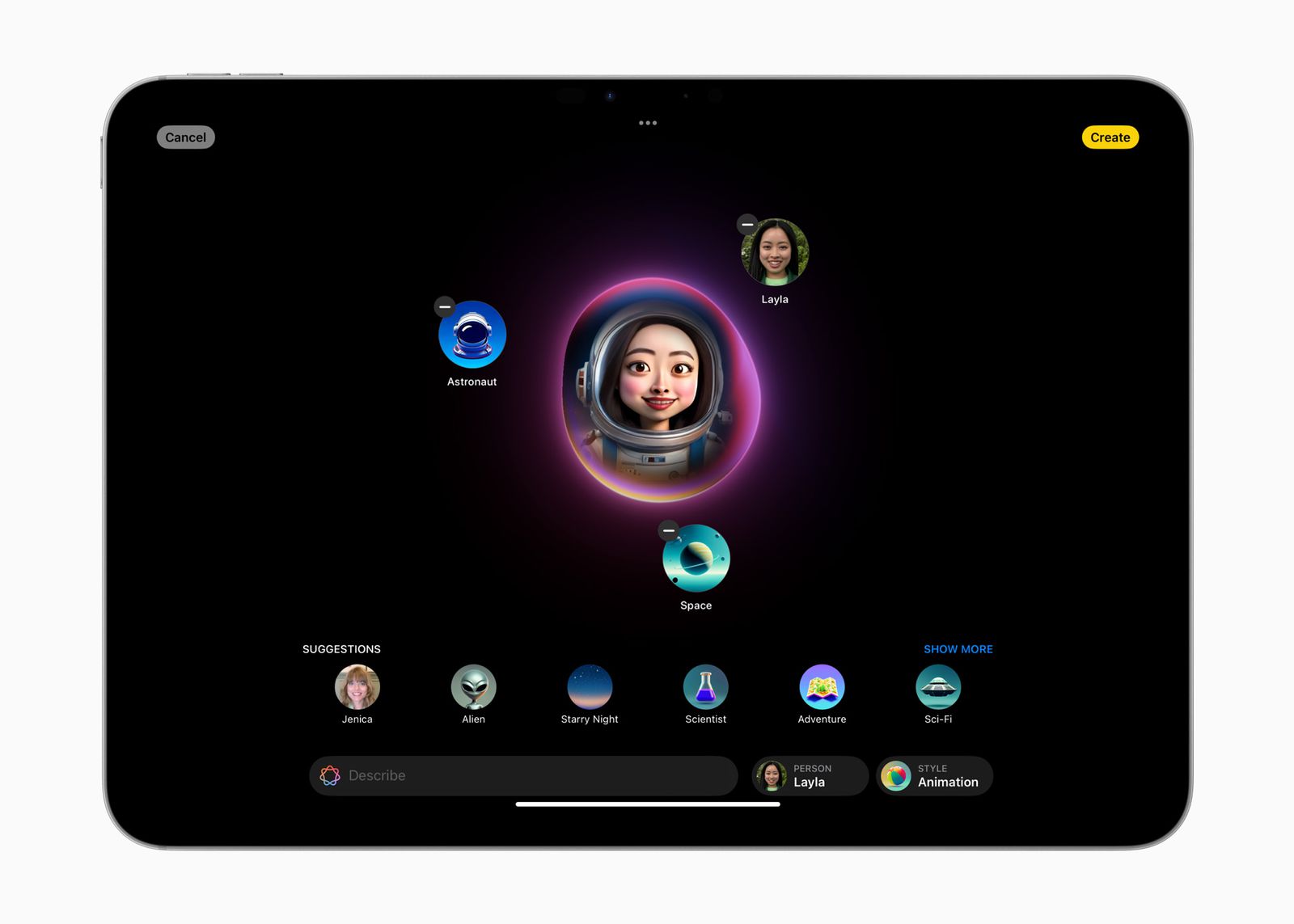
A step-by-step guide from zero to AI-powered image generation — with complete, production-ready Swift code. 🍎 ImagePlayground.frameworkSwiftUI + UIKit coveredFull source included What's inside What is Image Playgrou...

9
Integrating Apple Image Playground into Your App
J
Joynal Abedin

What's new Xcode 27.0 ?

There are five things we discuss today new in Xcode 27 Workspace Projects & files Intelligence Running apps Refining apps Workspace: Toolbar Themes Issues You can customize full toolbar in appearance. Xc...

5
What's new Xcode 27.0 ?
J
Joynal Abedin

How to Recover Discarded Code in Xcode Without a Git Commit?

If you've discarded code changes in Xcode without committing them to Git, don't worry—your Mac offers a built-in way to recover previous versions of your files. Here’s a step-by-step guide to help you retrieve your code ...

5
J
Joynal Abedin

NotificationCenter in swift

A notification dispatch mechanism that enables the broadcast of information to registered observers.-----Apple NotificationCenter in Swift is a mechanism for broadcasting information within a program. It allows objects...

4
J
Joynal Abedin

Commenting in Swift

In Swift, comments are used to add notes or explanations within the code, making it easier to understand. Swift supports two types of comments: single-line and multi-line comments. Here's a detailed explanation of both: ...

4
J
Joynal Abedin

UI Test in SwiftUI - Part-1

Step_01: Select your Xcode and in iOS target give project name like \"UITestAppDemo\" and also turn on the inlcude Test checkbox. Step_02: Replace ContentView.Swift file code by below code: struct ContentView: Vie...

4
J
Joynal Abedin

Some common quotes should you know about ChatGPT

text-davinci-003  the most capable model in chatGPT-3 series. It can process up to max 4000 tokens as per request. The key concepts and techniques that are fundamental to using the API for any task, including: ...

4
J
Joynal Abedin

Lanuch Screen Background & Image added in swiftui

First of all go to the project file-> Info.plist->launchScreen, then expand it. You will see same as below with some key.. when you are expand the launch scree arrow- Background color Image Name Image respects saf...

4
J
Joynal Abedin

Collections of Swift

Advantages of collections: Save Time. Improves Understanding. Facilates Collaboration. Reduces Errors. Increase Productivity.  var collectionArray = [\"iOS\", \"Flutter\", \"iOS\", \"Android\", \"Web\"]collectio...

5